Wednesday, October 21, 2026 Today’s Paper
Log in Join free
Vol. I · No. 23 Texas Edition
Wednesday, Oct 21
Texas first. Then the world.
Always free Updated 1 minute ago
Read. React. Discuss.
Tech

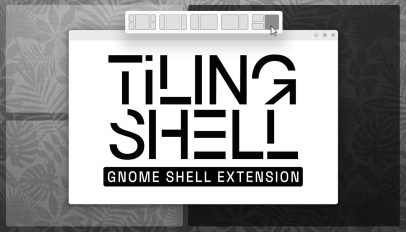
Tiling Shell extension adds mouse button layout activation

By Joey Sneddon 1 min read 3 views 0 comments
Tiling Shell extension adds mouse button layout activation
Image: OMG! Ubuntu

A new version of the Tiling Shell GNOME extension is out, adding support for GNOME 51 and a faster way to tile app windows using nothing but your mouse. Tiling Shell v18.0 lets you use your right mouse button for tiling system activation. You click your left button to grab and drag the window then, with it held, hold the right mouse button to trigger the on-screen tiling layout. Release the left button over a zone and the window snaps to it – no keys needed. It sounds more laborious than it feels in use, here’s a quick video demo: […]

You're reading Tiling Shell extension adds mouse button layout activation, a blog post from OMG! Ubuntu. Do not reproduce elsewhere without permission.

OMG! Ubuntu Original story · www.omgubuntu.co.uk
Read the full story

Discussion (0)

No comments yet. Start the conversation!