You may have come across the “weights.bin” file while scanning your system with a disk space analyzer like WizTree. That file can be up to 4GB in size, located at this path:
C:\Users\[username]\AppData\Local\Google\Chrome\User Data\OptGuideOnDeviceModel\[version number]
That [version number] might look like 2025.8.8.1141, and it refers to the version number of Google’s Gemini Nano AI model—it may be different on your system. This AI model is a local model, so it runs on local hardware and doesn’t require an internet connection to Google’s servers.
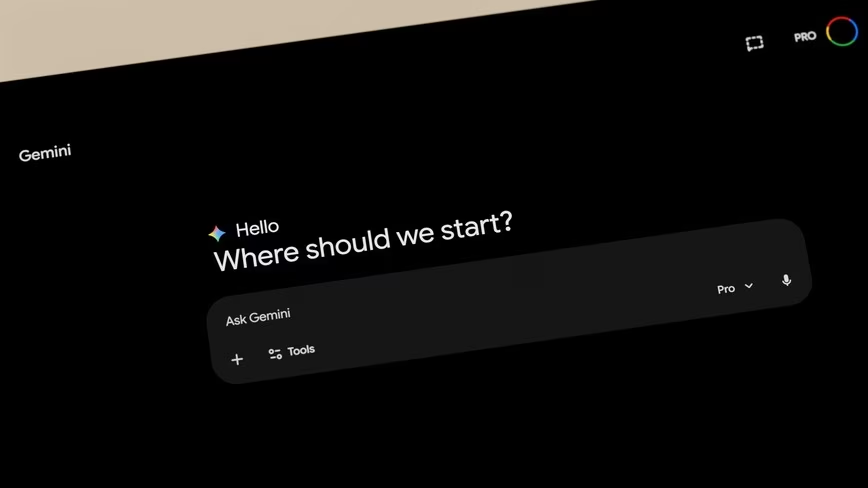
Gemini Nano is primarily for Pixel smartphones, but it’s also available in Chrome. Its capabilities are limited, but you can use it to summarize text and conversations, rephrase messages, or generate short descriptions of images. Google Nano powers Chrome AI features like web page summarization, text rewriting, scam protection, and AI APIs for certain extensions.
Joel Lee / Foundry
If you aren’t using any of the AI features in Chrome, you can delete the “weights.bin” file to free up a few gigabytes on your SSD.

 The Next Web

Discussion (0)
No comments yet. Start the conversation!