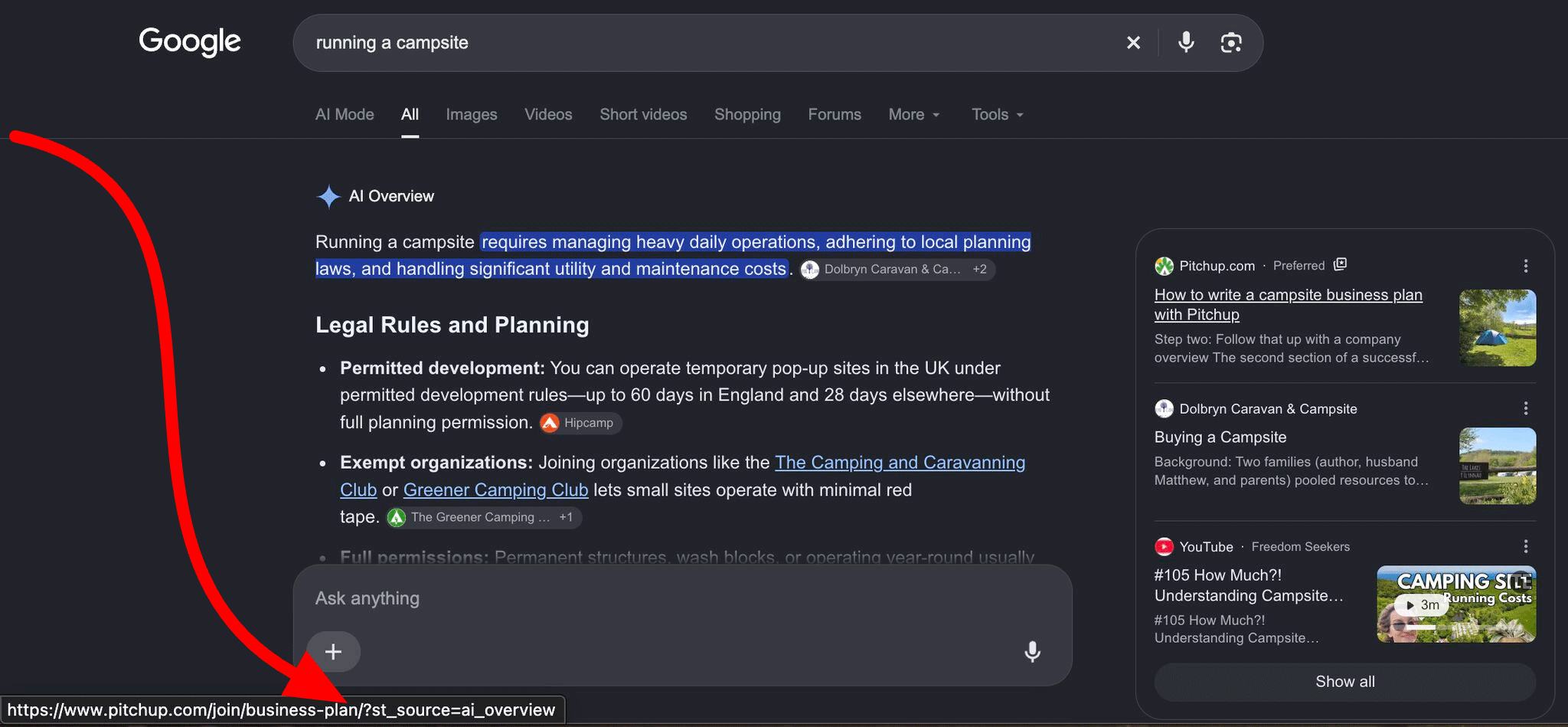
Google Search seems to be getting more cluttered with AI-generated content by the day. Sure, some of it can be useful, but sometimes I just want to see a straightforward list of links without having to scroll past an AI summary.
Fortunately, you can get rid of much of this clutter with uBlock Origin, one of our favorite free ad-blocker browser extensions here at PCWorld.
To start, install uBlock Origin in your browser. I recommend using Firefox since the full version of the extension is no longer supported in Chrome. The Chrome alternative is uBlock Origin Lite, which is a perfectly fine adblocker, but it doesn’t have the same custom filter option capabilities.
Next, navigate to uBlock Origin > Dashboard > My Filters, and copy and paste the text “google.com##.hdzaWe” into the box. This is a simple cosmetic filter that will block out all of Google’s AI Overviews.


 Search Engine Watch

Discussion (0)
No comments yet. Start the conversation!